Student public relations project spotlights technology learning department and services | Lifestyles
Imagine you have a paper due in two hours, but you broke your arm and can’t type. What would you do?
“So many people are unaware of digital accessibility because they might think it doesn’t personally affect them, but it can help everyone,” said Gwendolyn Lee, senior public relations major. “Even if you’re not disabled, digital accessibility tools can help you.”
Digital accessibility is defined as “the ability of a website, social media, mobile application or electronic document to be easily navigated and understood by a wide range of users,” according to UFHealth.
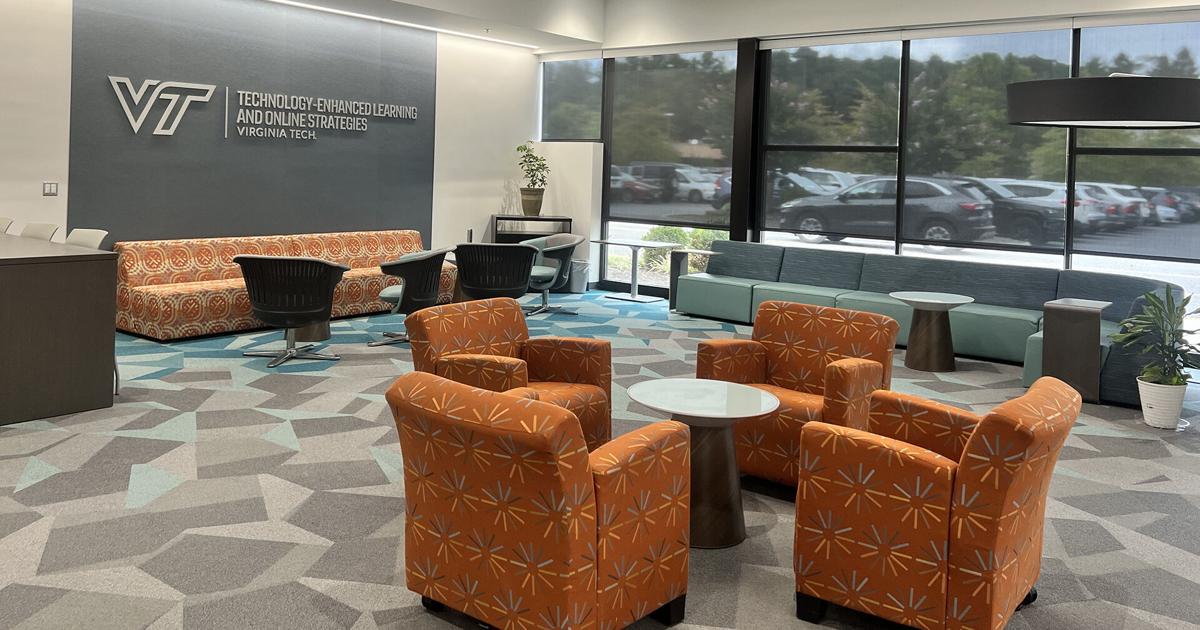
Virginia Tech’s accessible technologies team, which exists within the Technology-Enhanced Learning and Online Strategies organization, provides digital accessibility training and tools for Tech students. When Lee and her group discovered that students at Tech were largely unaware of the team and its resources, they centered the focus of their project on fixing that.
It all started in Public Relations Campaigns, a capstone class for PR majors that features a semester-long group project. Students are given a client, such as a nonprofit or a business, and a campaign to run.
“It’s hands-on, experiential learning,” said Chelsea Woods, associate professor in the School of Communication. “They come up with and then execute a strategic communications campaign that helps address some sort of communication need that the client has.”
Lee and her group of six partnered with the accessible technologies team of TLOS. They wanted to spread awareness about their organization’s tools and training to students.
“I don’t think that everyone really understands the percentage of people that need accommodations in some way, shape or form, whether they’re permanent or temporary,” said Delaina Harman, learning technology specialist at TLOS. “The CDC estimates that one out of every four people could benefit from some kind of digital accessibility accommodation. That’s why it’s important to be aware.”
Their project started with research. They looked into how other colleges, like James Madison University and The University of Arizona, run their programs and found that most of them provided a basic fact sheet about digital accessibility tools. Virginia Tech, on the other hand, goes beyond that by providing students with Canvas training on how to make digital material, like an Excel file or a Word document, that’s accessible.
“That’s something Tech does really well,” Lee said. “They provide students with actual courses and then documentation of the things they learned.”
After completing a series of trainings, students can earn a badge for their resume.
“Knowing how to create accessible content is an attractive, marketable skill on resumes, especially for future employers. (They) are looking for folks to come into positions that require some degree of understanding about how to create accessible content and the barriers that might be encountered in the workplace or by the consumers of that content and how to remediate those barriers,” said Mark Nichols, senior director of universal design and accessible technologies at TLOS.
As part of their initial research, Lee’s group sent out a survey to students gauging their awareness; the results were less than what they’d hoped for.
“We realized that most students had no idea what TLOS or what digital accessibility was,” Lee said. “They had no idea what they could do to pursue it and didn’t know how it affected them at all.”
They realized that something needed to change. With the issue of lack of awareness in mind, Lee’s group planned their campaign, pitched it to their professor and TLOS and got it approved. TLOS provided the group with materials and a budget and helped with their marketing; the group then started implementing their campaign.
Their plan involved four main strategies. They pitched their story to local media outlets, created extra credit opportunities with professors if students completed the digital accessibility training courses, posted on LinkedIn and ran a booth in Pamplin Hall.
“We want to emphasize the career benefits of getting badges like this and creating more awareness for digital accessibility, because with students learning how to write, work and create media in this current age where everything’s digital, we think digital accessibility is just really important, especially to Pamplin business students who are trying to build their resumes,” Lee said. “Pamplin is really big on resume building, so we thought digital accessibility would be a great narrative to push to get more students to pursue this kind of training and gain this kind of knowledge.”
Lee’s group offered free donuts in exchange for students taking their four-question quiz, testing their knowledge of digital accessibility. Afterwards, they gave the students a flyer detailing how to access the Canvas training.
“So many students just look past things in their email and their Canvas announcements,” Lee said. “Getting that face-to-face interaction was really important.”
Lee’s group put a strong emphasis on why digital accessibility is important to the students passing through Pamplin.
“No matter what students are studying, almost everybody at some point of time is going to create a document or a presentation file or a spreadsheet,” Nichols said. “These self-paced trainings teach how to do that accessibly.”
While a portion of the group’s effort was focused on pushing the Canvas training, it was also about spreading awareness of TLOS and its services. TLOS does more than just provide training for students; in fact, that’s only a small part of its purpose as an organization.
“The majority of our work that we do is faculty and staff-based,” Nichols said. “We don’t do a tremendous amount with students. We have software tools that are available for faculty, staff and students, but we don’t traditionally market training or resources that are non-tool-based to students. This was an opportunity for us to connect with students.”
TLOS provides tools for any users who encounter barriers in the teaching or learning process.
“There are lots of tools that students are not aware of outside of these trainings,” Harman said. “It’s just about spreading awareness that, yes, these trainings exist, but also our department, our team, exists, and that is how people can discover and leverage tools that they weren’t really familiar with before, from note-taking to mathematics support, even tools that can assist in tutoring. They can help take that cognitive load off.”
Digital accessibility is only becoming more relevant as time goes on. Starting in 2026, all digital content and services from public universities and state and local governments must comply with Web Content Accessibility Guidelines 2.1 Level AA, according to The University of North Carolina at Chapel Hill. The guidelines require digital content to be accessible to all users, including those with disabilities.
“A lot of people are just now realizing the amount of people that require accommodations or that can benefit from accommodations,” Harman said. “Now that that’s becoming a thing, it’s being integrated into laws that are now out there. It’s a requirement for all of us to consider those people.”
TLOS is helping to make sure that students, staff, instructors and TAs understand what the guidelines mean, what it looks like for them and how to be in compliance with them before the deadline.
After implementing their plan, the work was not yet done for Lee’s group. They are now on the final step of their campaign, evaluation, where they are reflecting on how effective their project was.
“We got over 60 people to take our quiz during our boothing,” Lee said. “We’re looking to see: How many of those people actually took the Canvas courses or researched TLOS? How many of those people actually went and pursued more information, and how effective was our campaign?”
Once they’ve reflected and evaluated their project, they plan on compiling their project into a campaign book.
link